

























































Generating, comparing, refining and training, all in one place.
Developing…
Find similar


No LoRA
LoRA: OtomeStyleCoCo doesn't make the settings panel longer. It's built for what comes after generating: finding, comparing, picking and recombining.
Type a prompt, or arrange it as tags and switch individual tags off. Type Chinese to find English tags — about 45,000 tags are translated. Pick models, LoRAs and VAEs from an asset library with covers instead of remembering file names.
Click an image to find others with a similar composition or mood — even among thousands. Search your Eagle library too (read-only; CoCo never changes it).
Side by side, stacked with a slider, and a diff table that lists exactly which settings differ. With lots of images, run a tournament: compare two at a time until one is left.
Take the winner's model, LoRAs and sampler apart and mix them with other images' parts to find the best match. Save a combination you like as a recipe and apply it in one click.
img2img, inpainting, face fix, upscaling, outpainting, background removal. Or edit with one sentence, like "make the background snowy". Every edit is kept as a version, with a before/after slider.
A layer editor with brushes, clone stamp, transform, text, watermarks and collages. Save as .kra and keep editing in Krita. Export a whole batch at once, named your way.
Scan in images generated by CoCo and other image generators, and search by model, LoRA or prompt. Ratings, moving and a trash bin included. Send any image back to Generate, LoRAs and all.
From building a dataset and tagging it to picking the best epoch, it all happens in CoCo. Finished LoRAs show up in the asset library.
One card per dataset: cover, image count, trigger word, last training run.
WD14 tags and JoyCaption descriptions. Review one by one, or replace and remove tags in bulk.
SDXL and Anima LoRAs, plus sliders. A test image is generated after every epoch.
Each epoch's test images land in a comparison set, so you can run a tournament to pick the best checkpoint instead of loading them one by one.
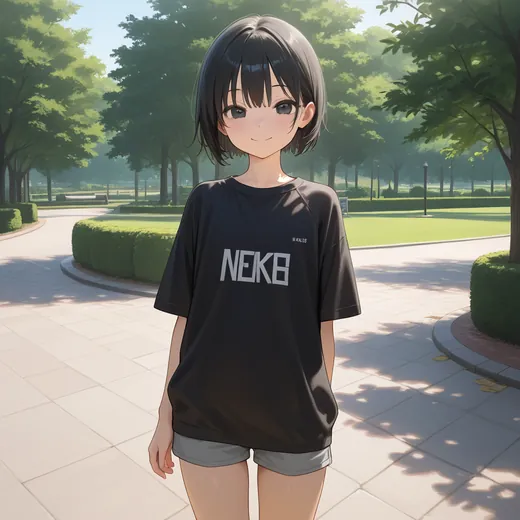
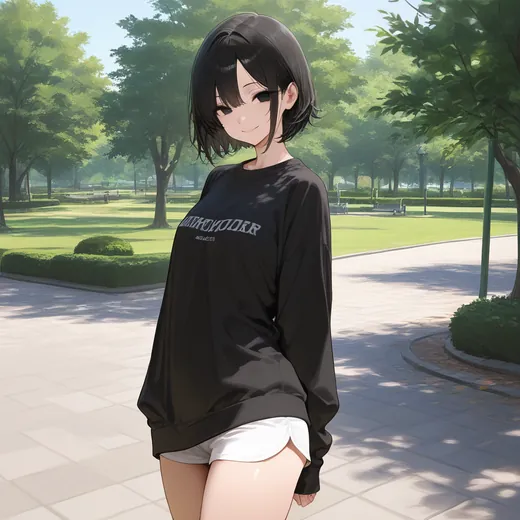
These are test images CoCo generated during training.
base
epoch 6
epoch 7
epoch 8
epoch 9Write what to add in each direction and train — no images needed. Use a negative weight to go the other way. The example shows "dramatic lighting" from −2 to +2.
−2
−1
0
+1
+2Same seed, same prompt. Drag the line to see the image with and without the LoRA.
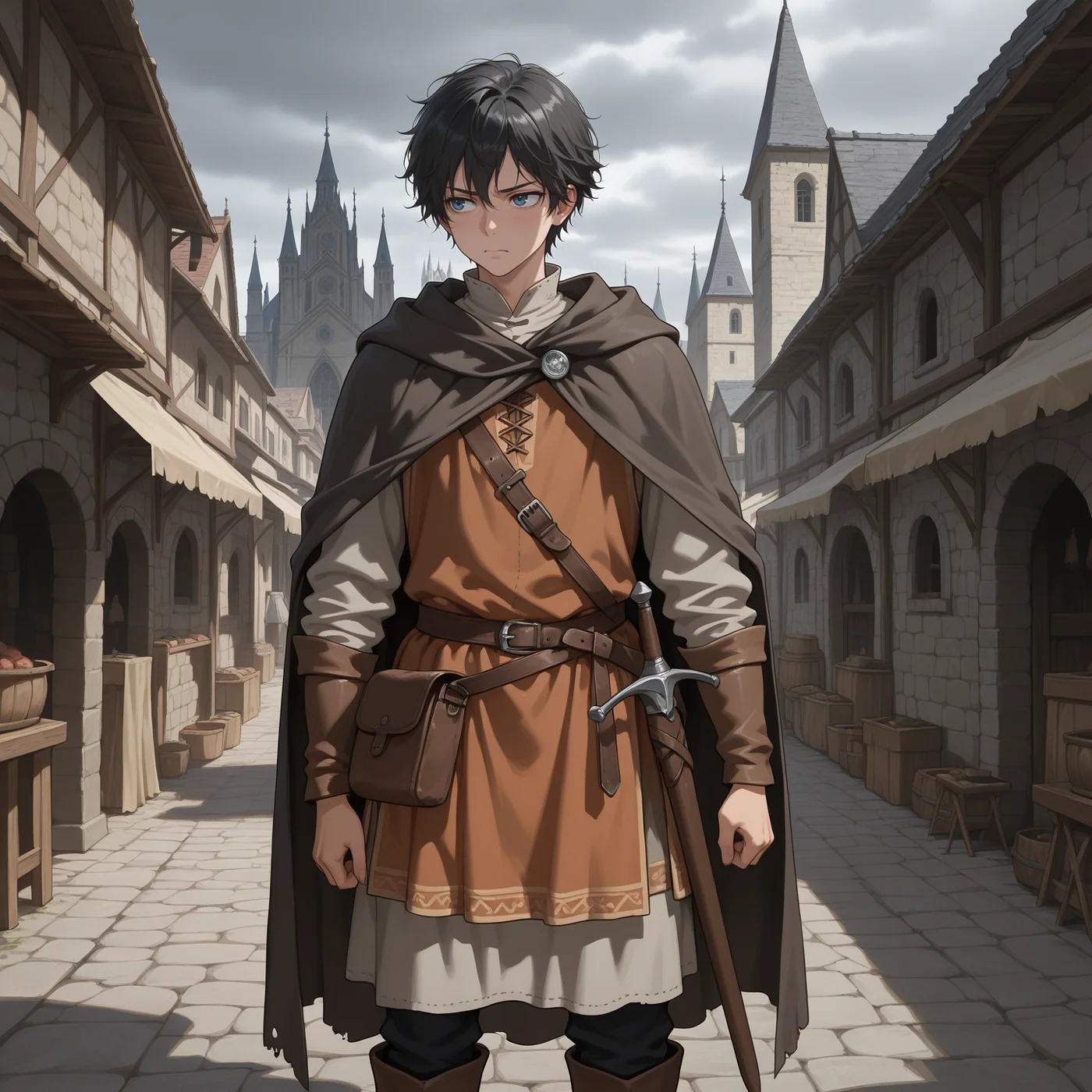
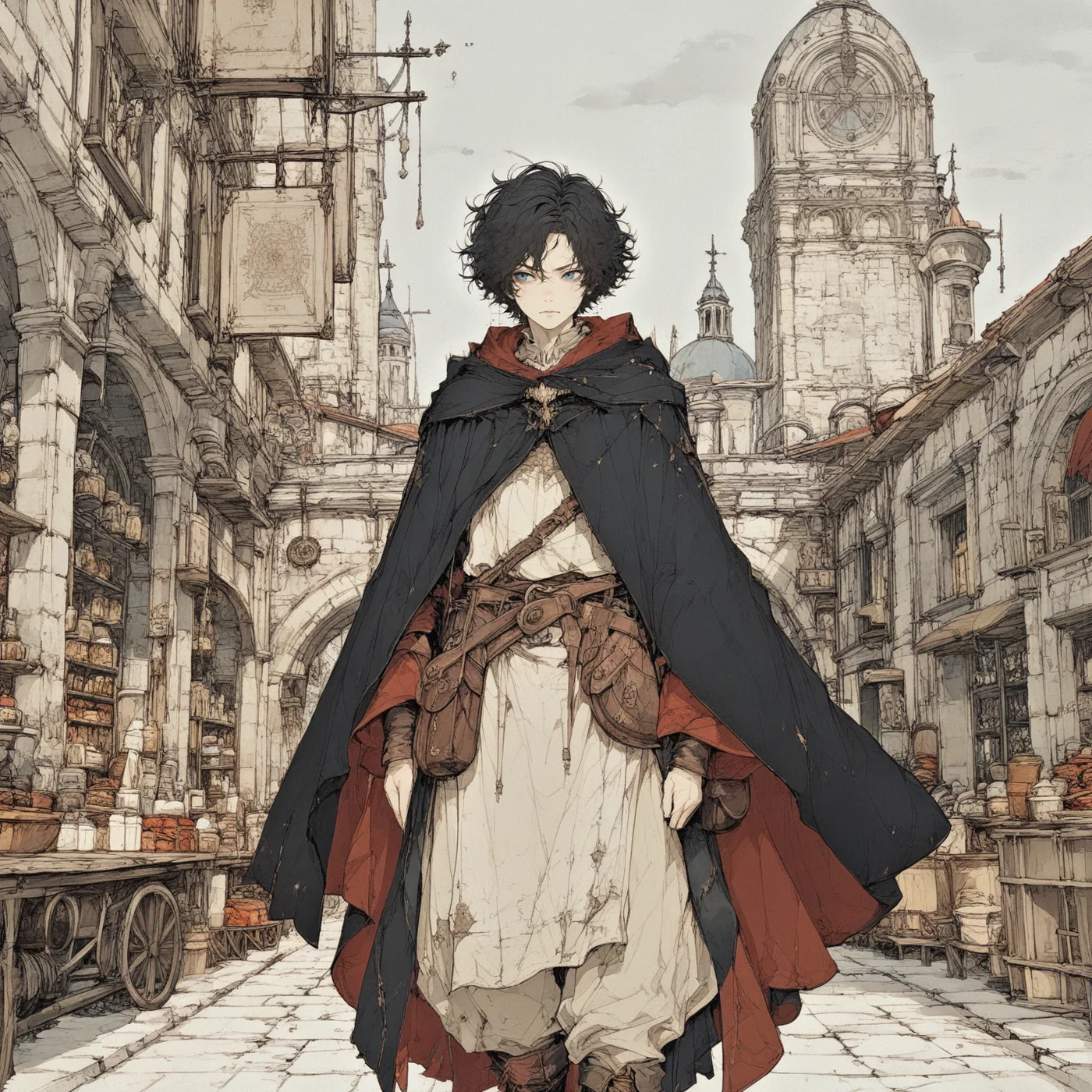
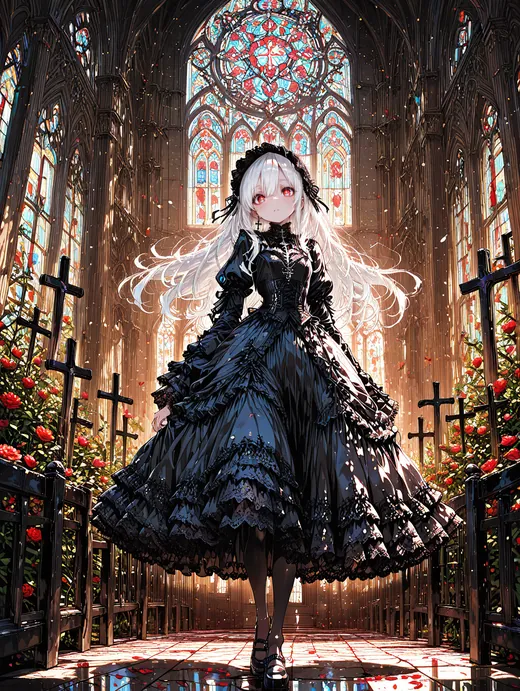
LoRA: Gothic Fantasy

No LoRAWith LoRAModels split into a main model, VAE and text encoder work too. When a part is missing, CoCo points you to the official download.
No account, no uploads. CoCo lives in its own folder and doesn't touch the Python or other programs already on your computer — and it can read other programs' model folders directly.
| OS | Windows 10 / 11 |
| Graphics | NVIDIA RTX 20 series or newer (30 series for Anima) |
| Driver | 580 or newer |
| Graphics memory | 8 GB works; 12 GB or more is comfortable |
| System memory | 32 GB recommended |
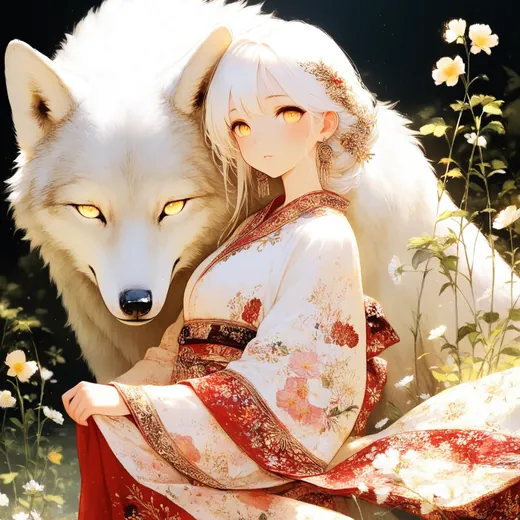
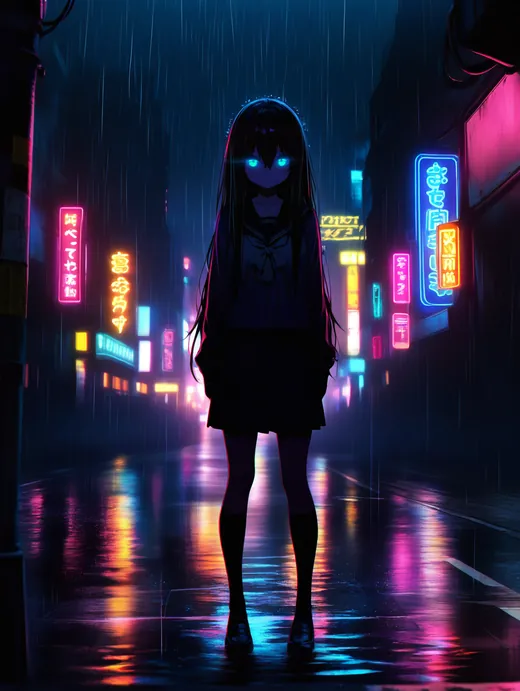
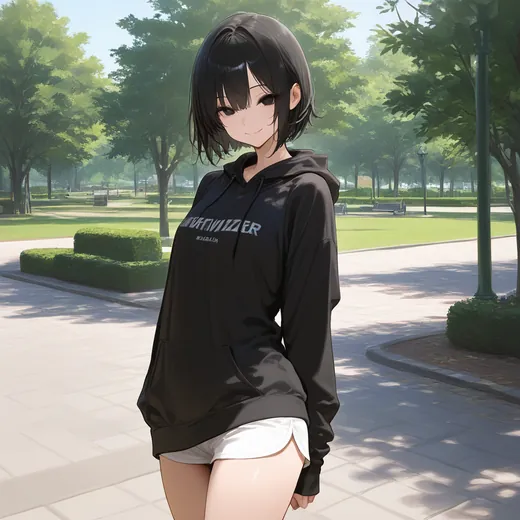
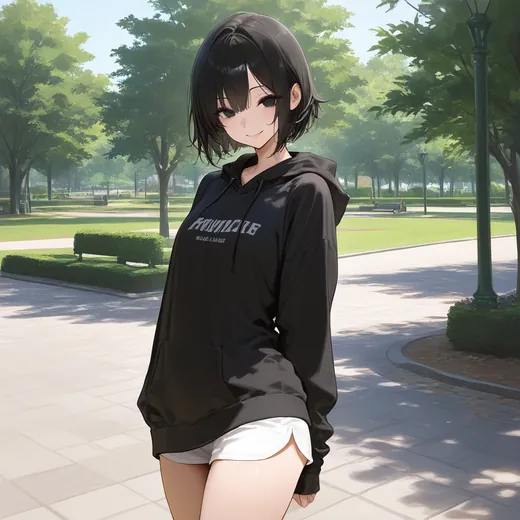
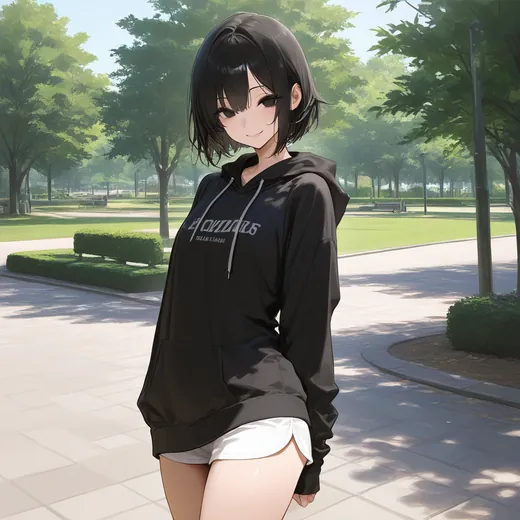
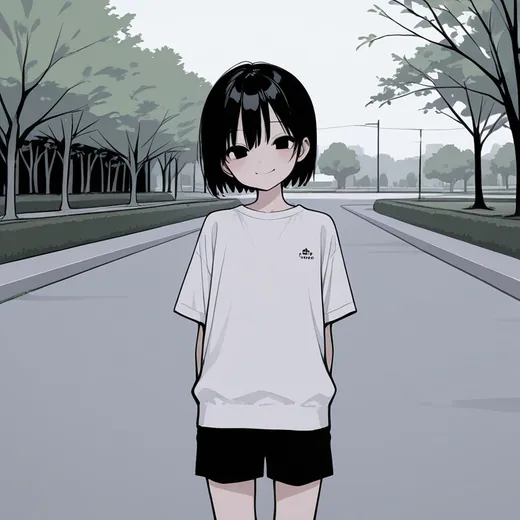
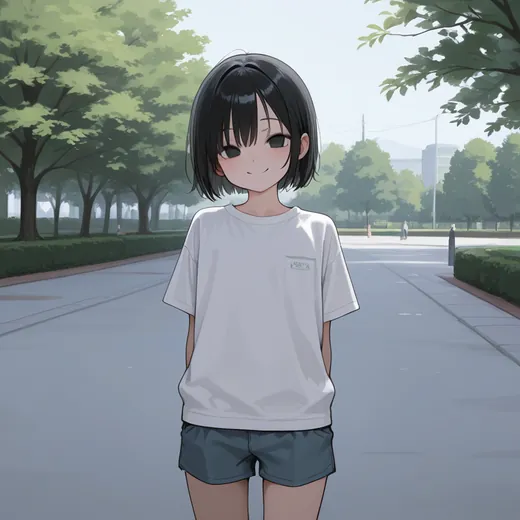
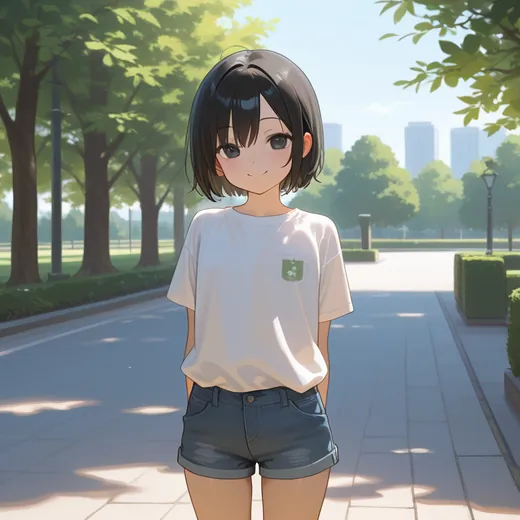
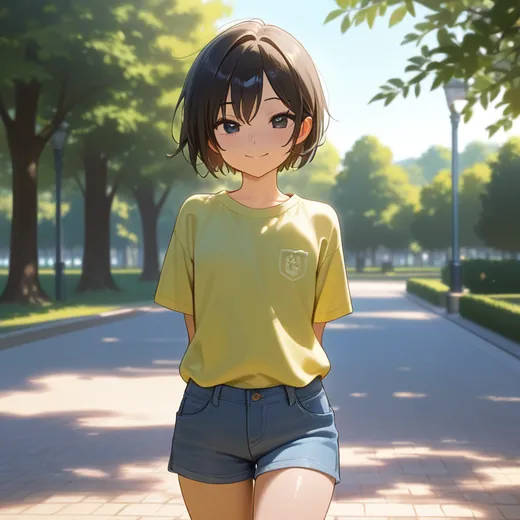
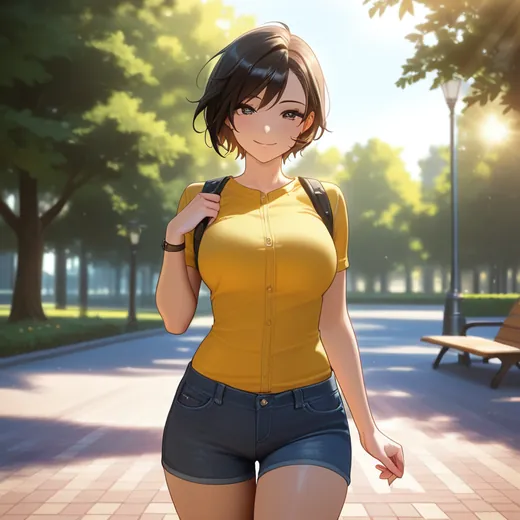
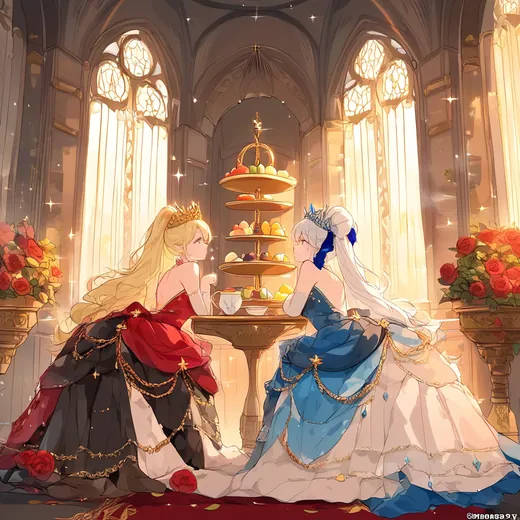
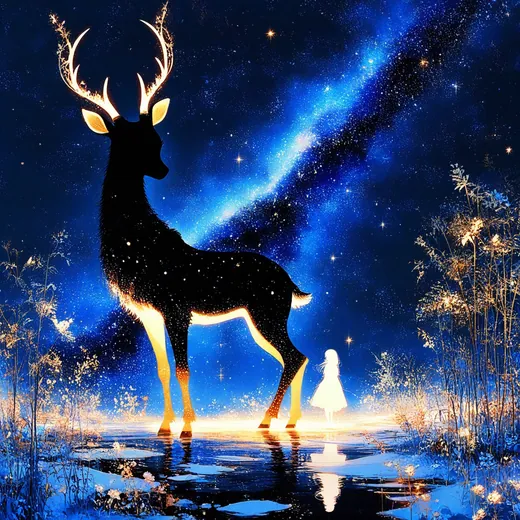
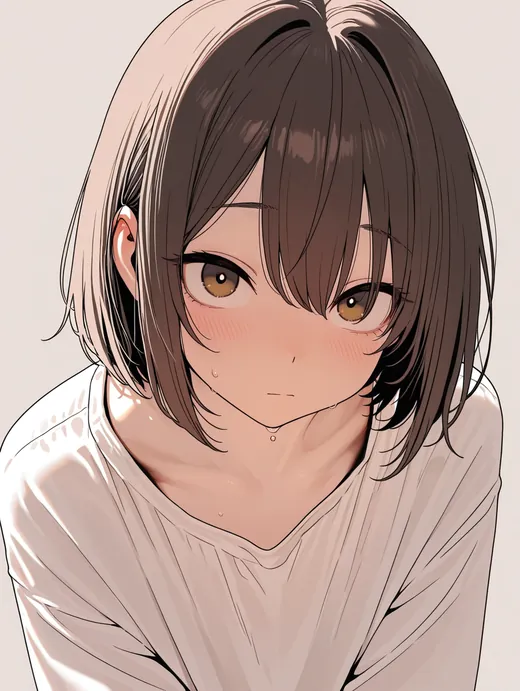
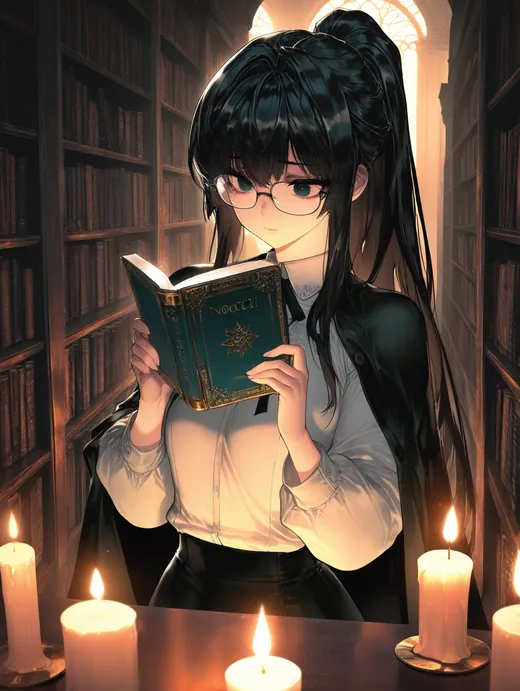
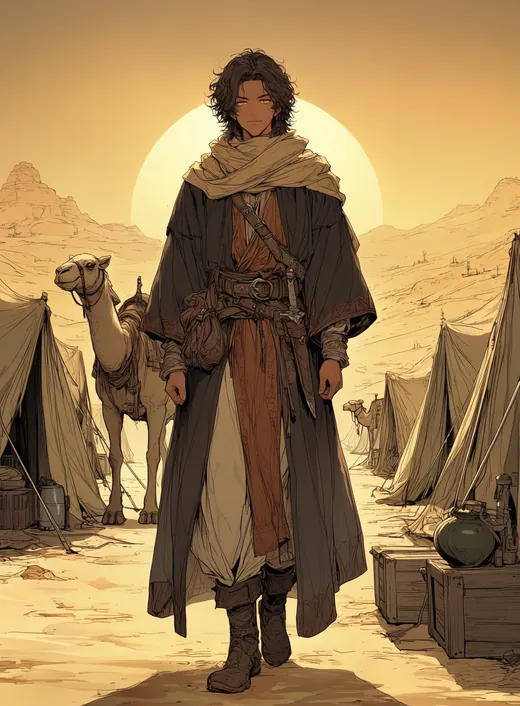
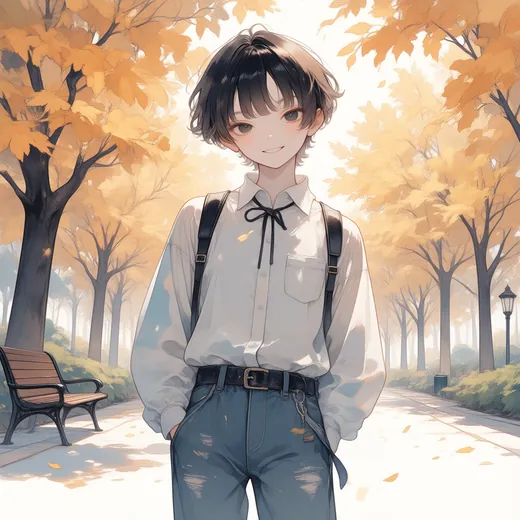
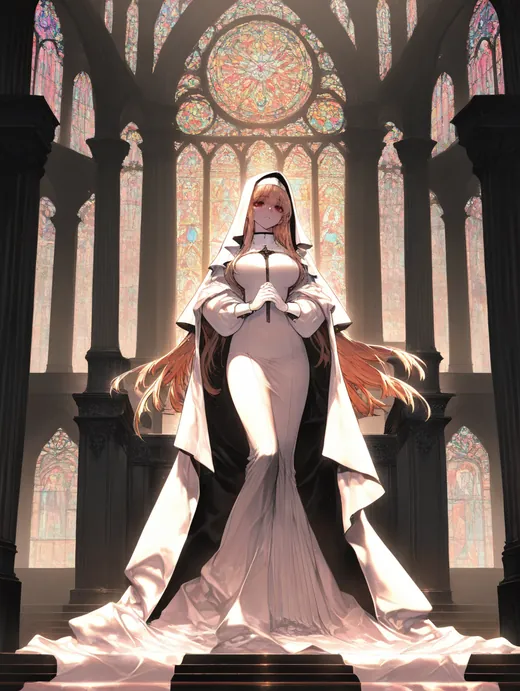
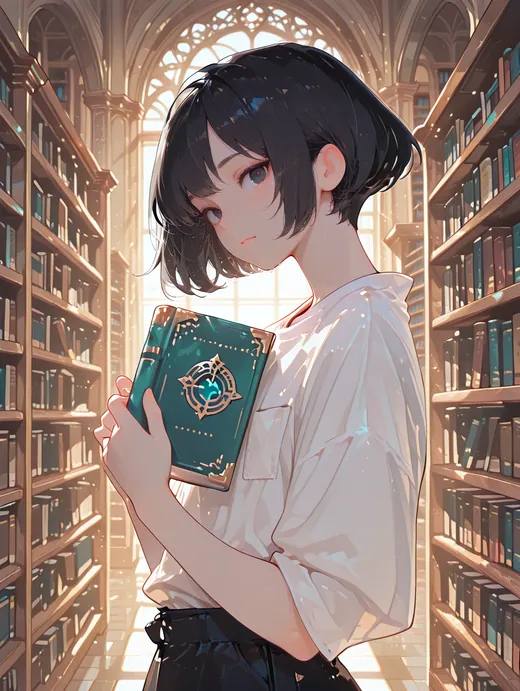
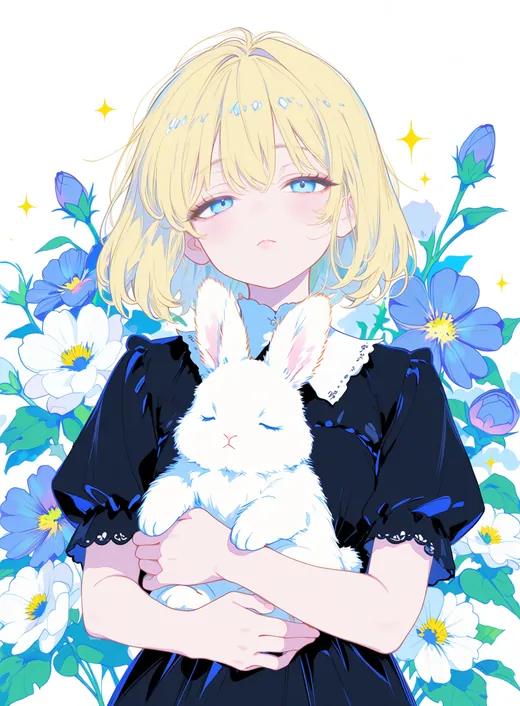
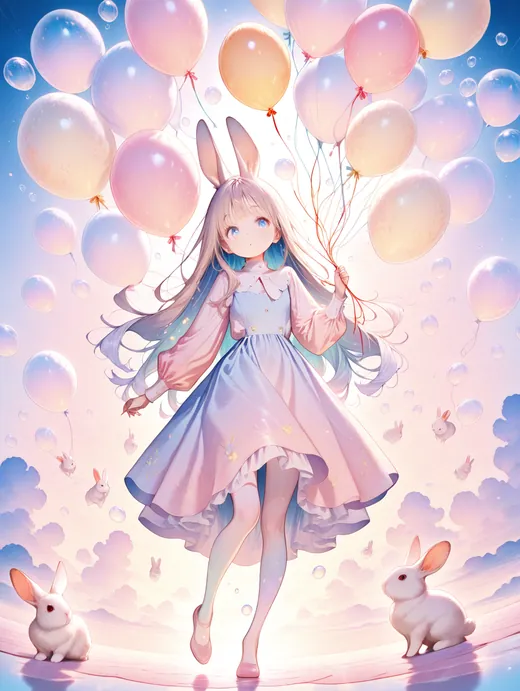
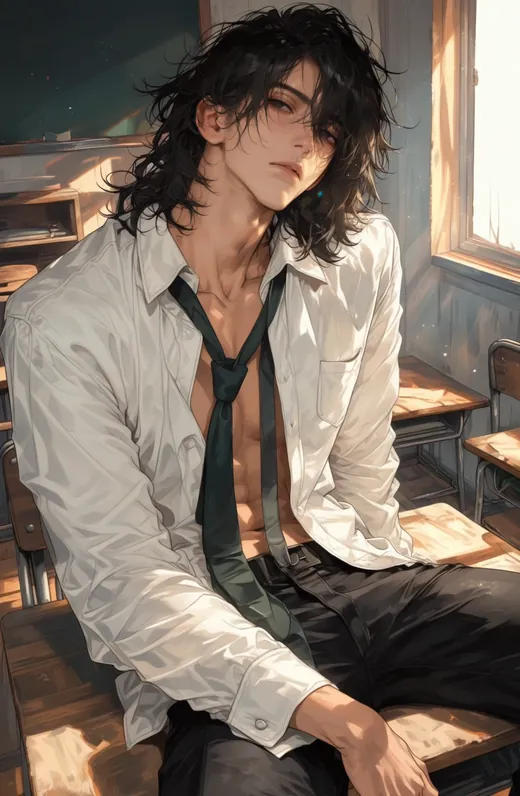
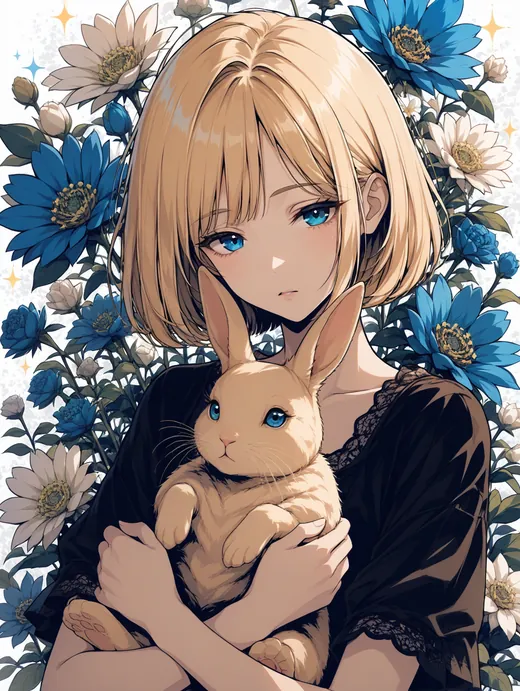
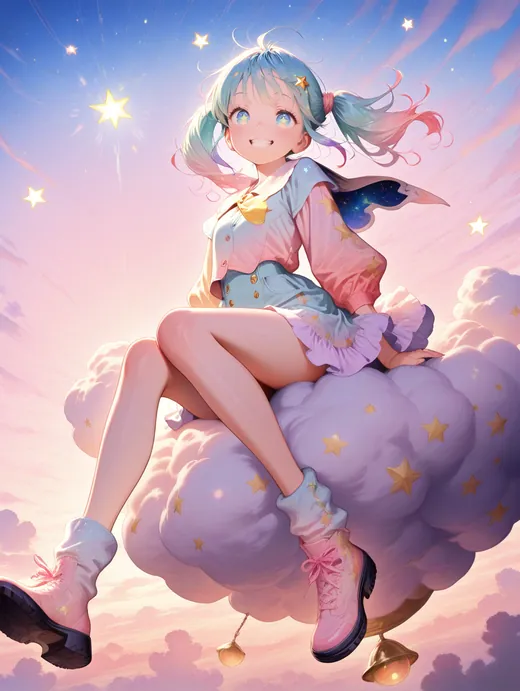
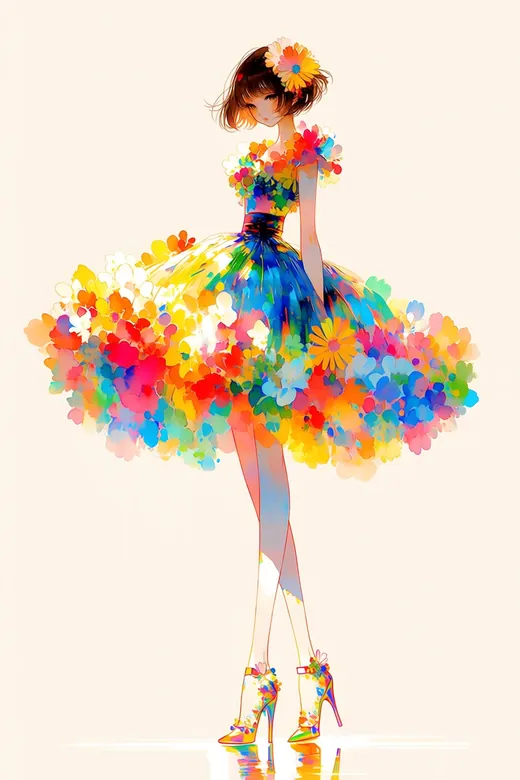
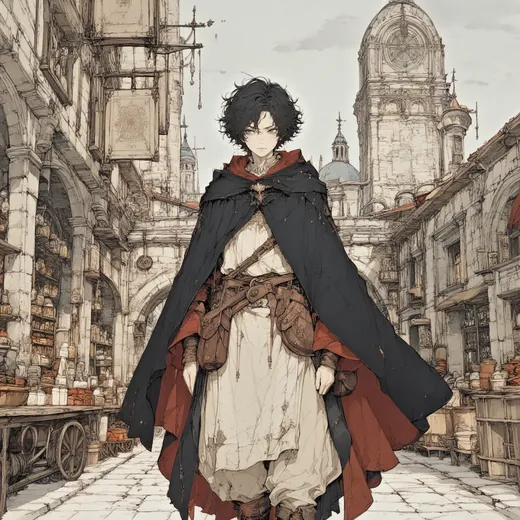
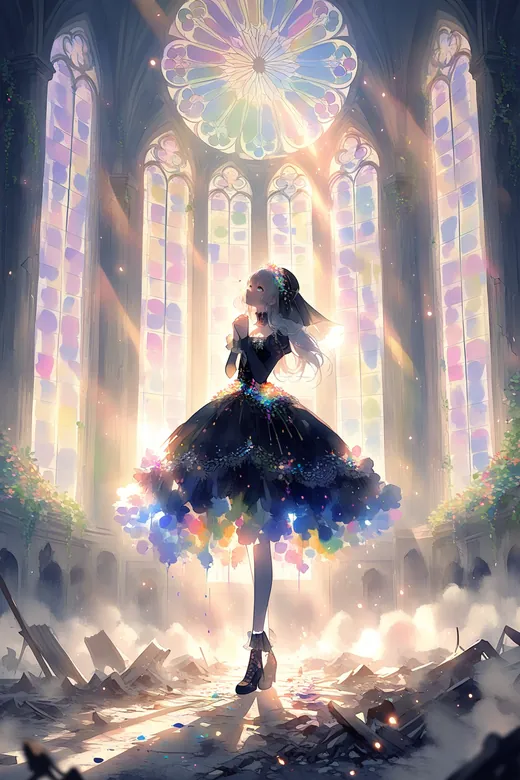
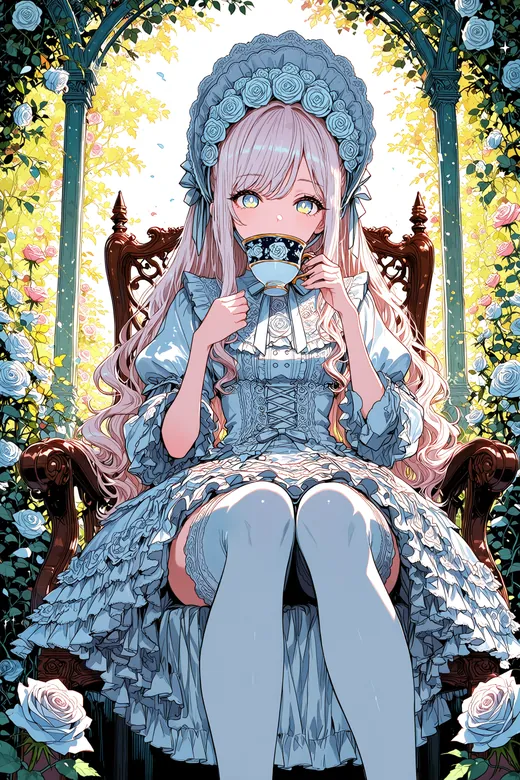
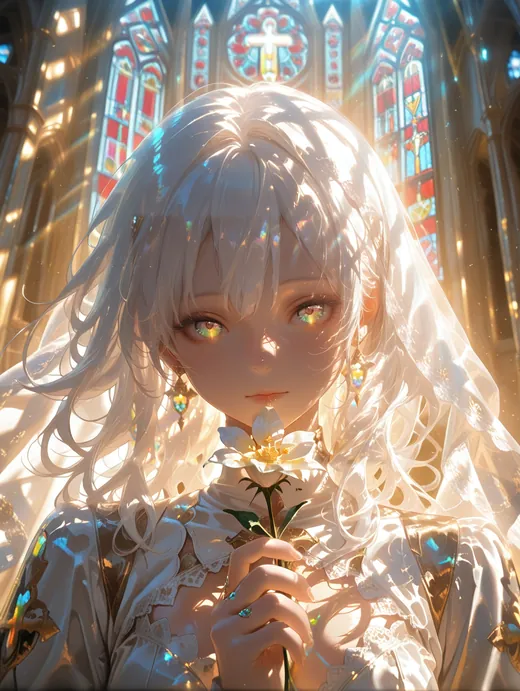
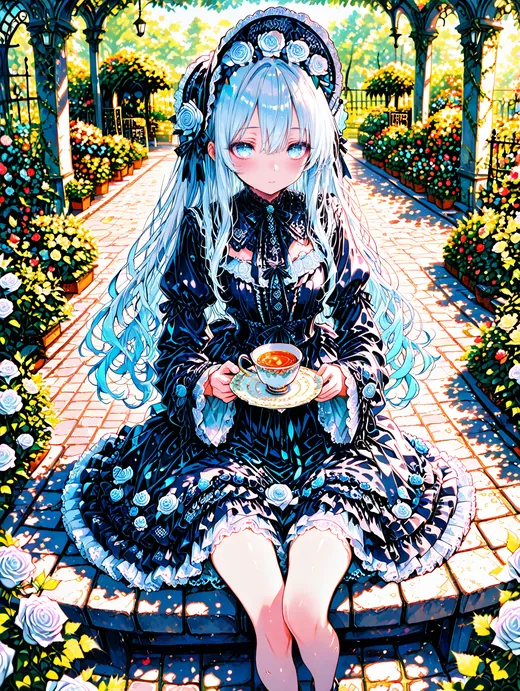
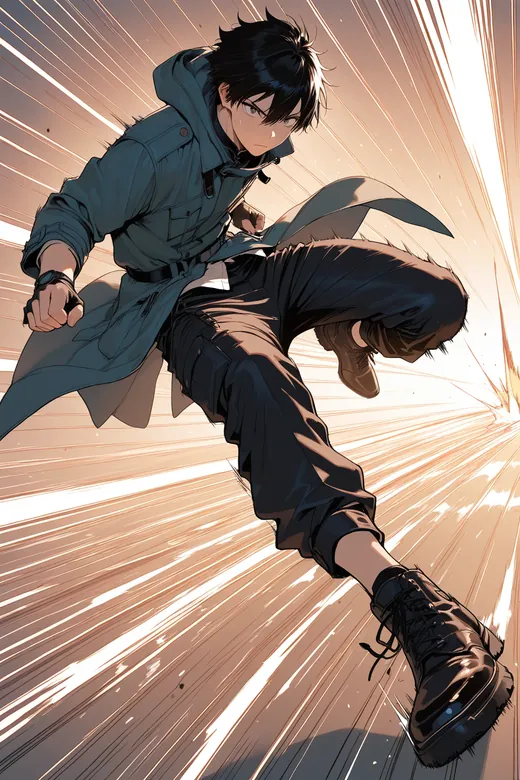
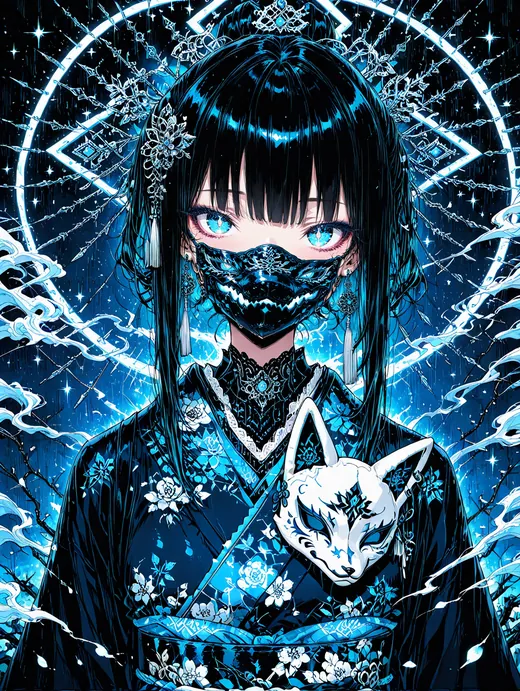
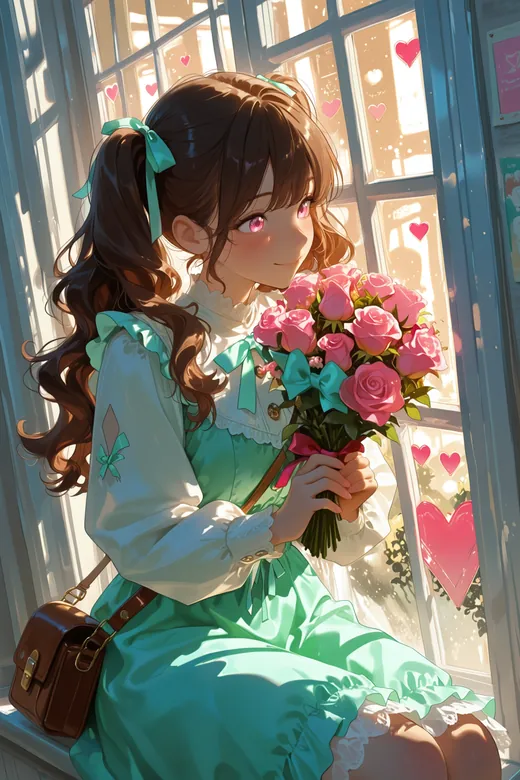
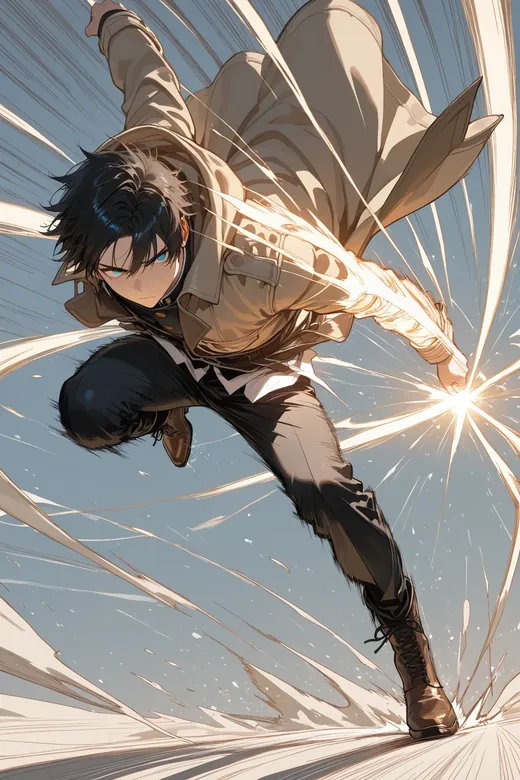
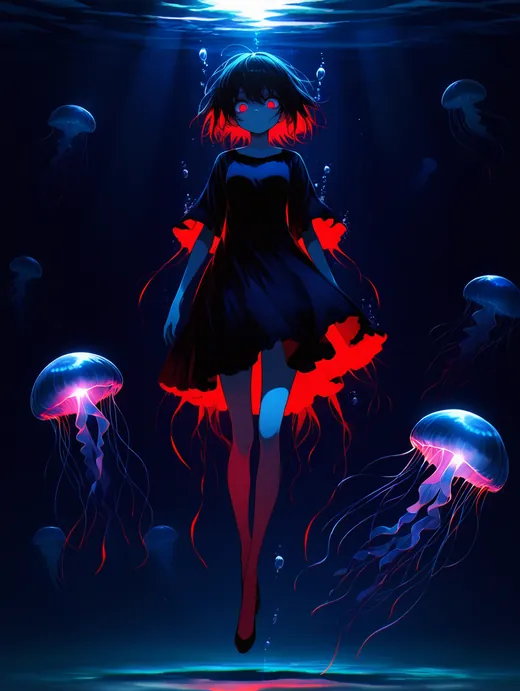
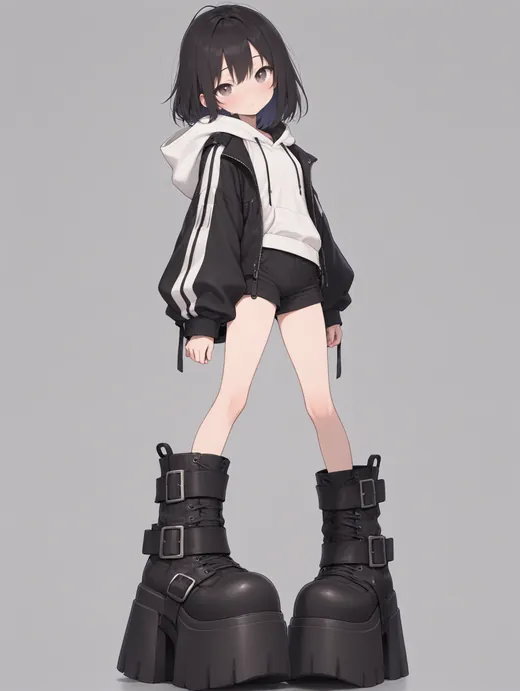
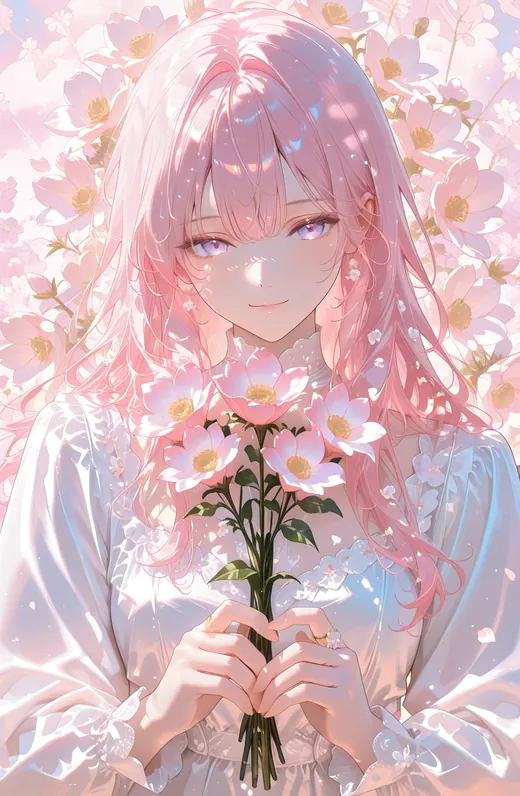
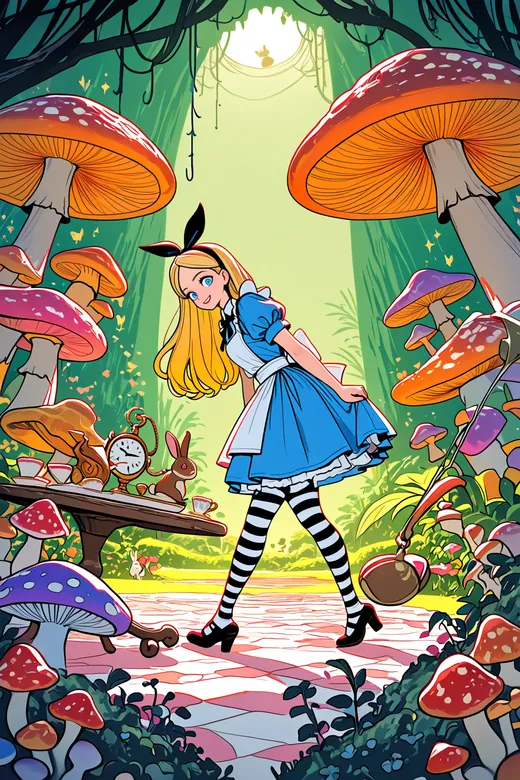
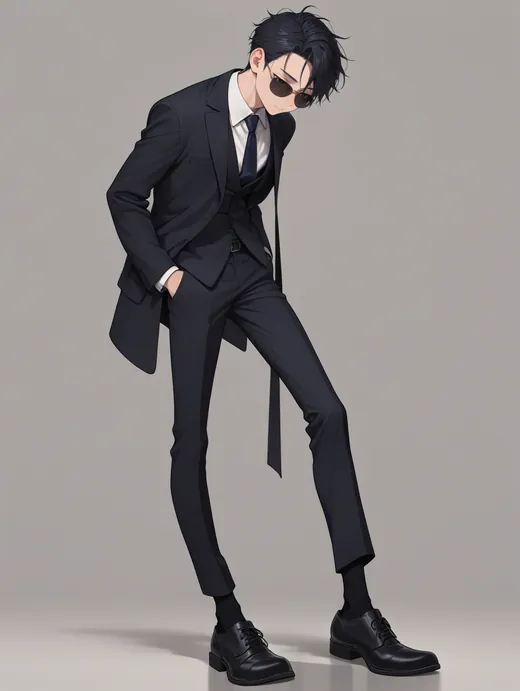
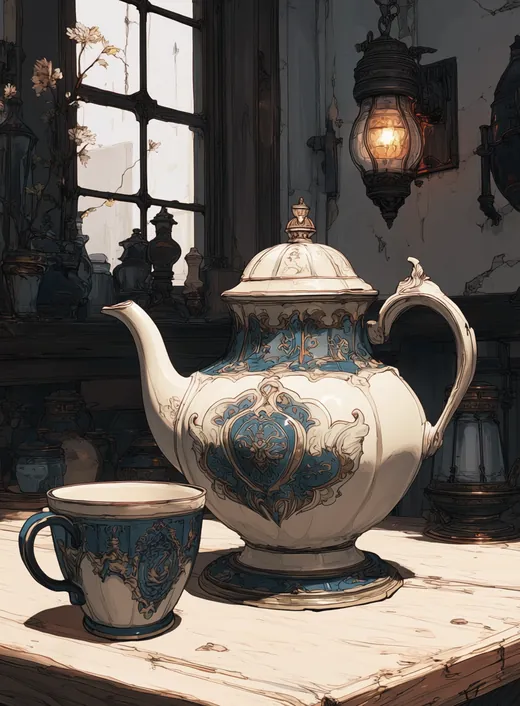
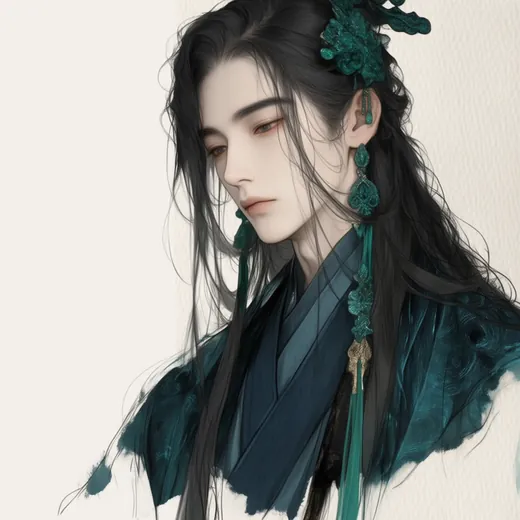
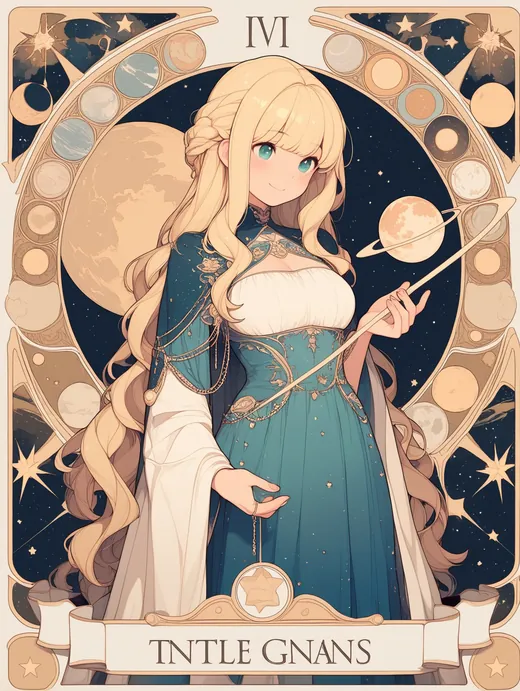
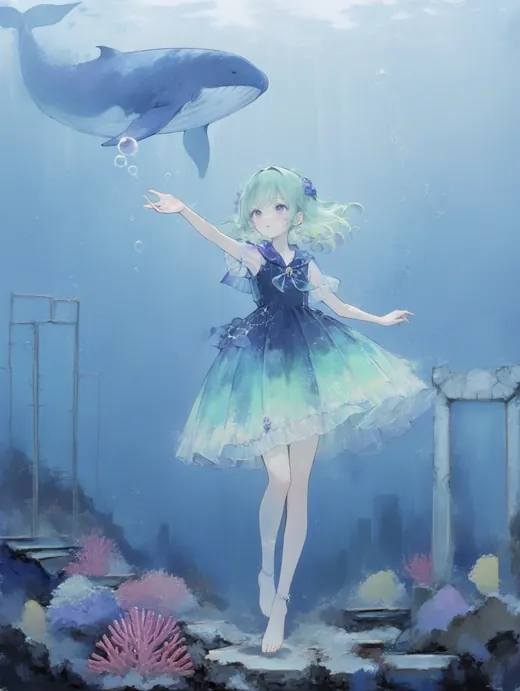
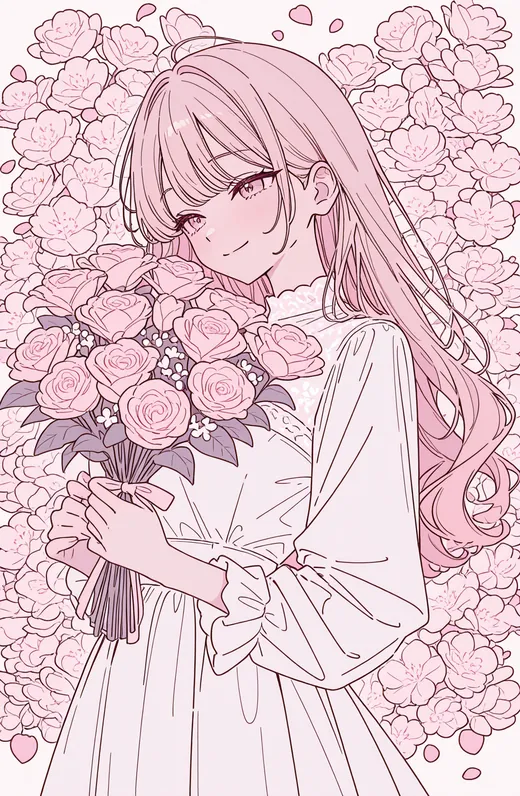
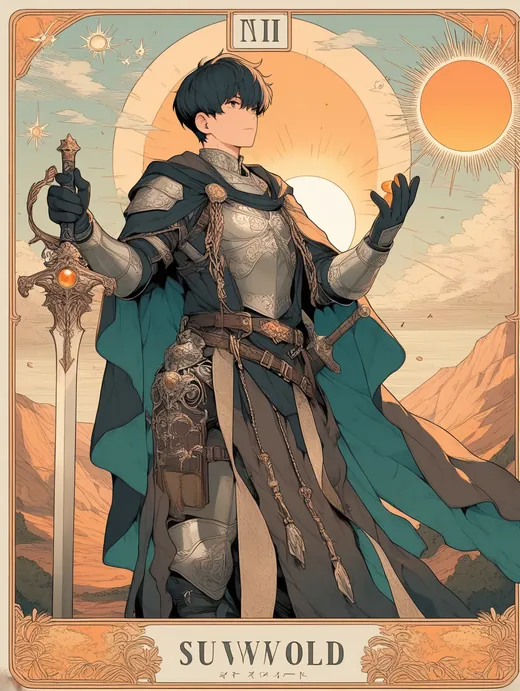
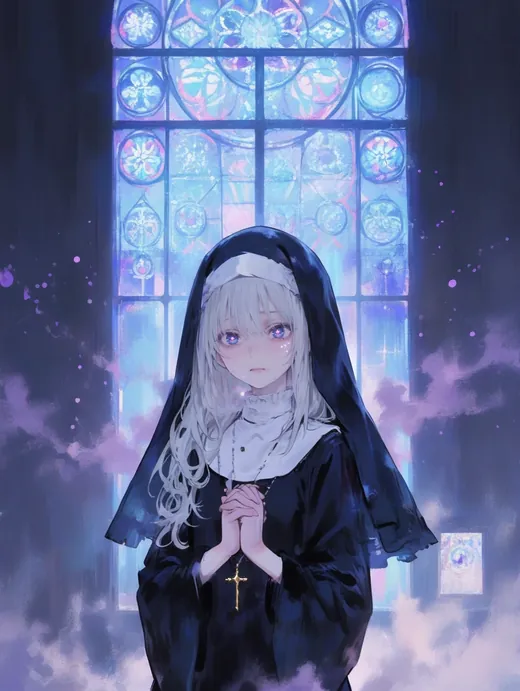
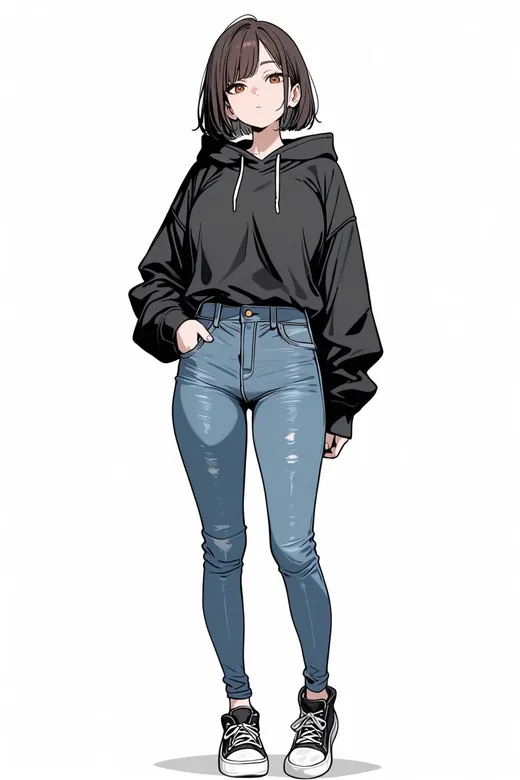
Images the author generated in CoCo with their own LoRAs. The full gallery has its own page.
CoCo is free and has no ads. If it's helped you, your support helps the author keep developing it.
Double-click CoCo Image Studio.exe; the first run installs what it needs. No model yet? Download the trial model in Settings.